Preferences
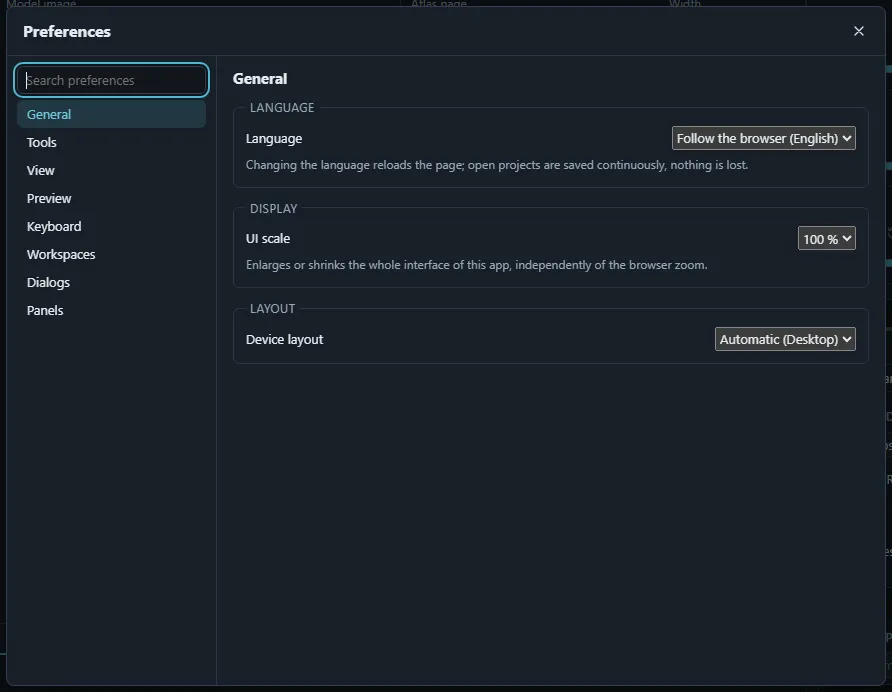
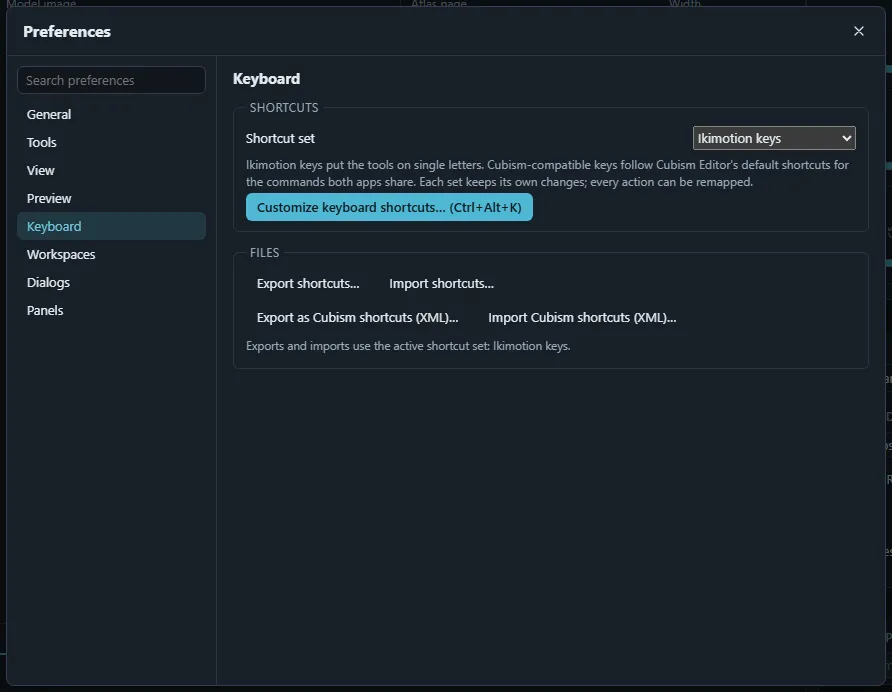
File › Preferences… (Ctrl+, or ⌘, on a Mac; also in the command palette) opens the preferences. The sections are listed on the left (on phones the dialog fills the screen) and the search field finds a setting by name:
- General: the language (follow the browser, English, 日本語, 简体中文 or 한국어; the page reloads to apply it) and the UI scale (80–150 %).
- Appearance: the colour theme of the whole interface, picked from cards that preview each palette and apply at once: Ikimotion (default: dark ink with a lime accent), Slate (the earlier dark slate and cyan look), Light (light neutral with a green accent), Sakura (dark plum with a pink accent) and High contrast (black and white with a yellow accent). Every theme keeps text at WCAG AA contrast or better. The palette also switches themes (type theme). The viewport background keeps its own setting under View; selection outlines in the viewport take the theme’s accent.
- Tools: soft selection, snapping, mirror editing, warp and automatic-mesh defaults, the selection brush.
- View: renderer, editor background colour, grid, display quality and other view options.
- Preview: settings of the runtime preview.
- Workspaces: the stages and custom workspaces, and the initial layout (see Stages and workspaces).
- Keyboard: the shortcut set (Ikimotion keys or Cubism-compatible keys), customize shortcuts, export and import the active set, import Cubism Editor shortcut files.
- Dialogs: every dialog whose “don’t ask again” choice is remembered; Show all dialogs again brings them back.
- Panels: Restrict drag and drop in the Outliner and the Parameters panel.
All preferences are stored in this browser only: nothing is sent to the server or saved in the project, so every collaborator keeps their own. Clearing the browser’s site data resets them.