Physics
Physics makes hair, clothes and accessories swing on their own. A physics group reads some
parameters (its inputs, e.g. the head angle), simulates a chain of pendulum particles, and
writes the result to other parameters (its outputs, e.g. a hair sway parameter). The groups
are exported as physics3.json and run in every Cubism SDK app with the same results as in the
editor.
Running physics
Physics runs while you move parameters in the editor. In the command palette:
- Turn physics on / off;
- Reset physics settles every pendulum at rest for the current pose;
- Sweep a physics input (test motion) moves an input parameter back and forth so you can watch the result hands-free (Stop test motion ends it); the Physics panel’s Test motion lets you pick the parameter.
The Physics panel also sets the forces (gravity and wind), shows the simulation rate, the file’s contents, the cost per frame and any parameters the physics refers to but the model lacks.
Editing groups
The project’s physics groups are listed in the Physics panel; every change is one undoable edit shared with collaborators, and the running simulation updates immediately.
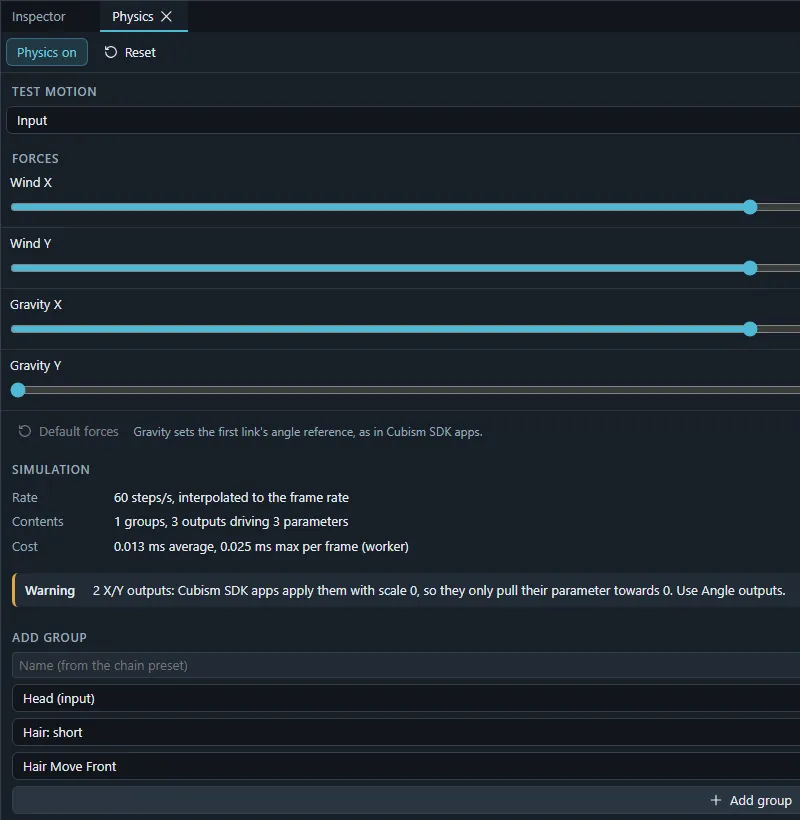
- Add group: start from a preset (Apply a preset…) or an empty group.
- Inputs: parameters that drive the group, each as X, Y or angle input with a weight.
- Outputs: parameters the group writes, with the particle they follow, type, scale and weight.
- Particles: the pendulum chain: mobility, delay, acceleration and radius per particle.
- Normalization: the minimum, default and maximum of position and angle the inputs map to.
Per group you can Solo it (preview only that group), switch it off for the preview, rename, reorder (evaluation order), Duplicate, Copy and paste (also into another project), split selected outputs into a new group or one group each, Save as preset… and delete.
Fitting the output range
While physics runs, each output records how much of its parameter’s range it reached, shown as a percentage (red above 100 %). Increase output, Decrease output, Fit to range, Reset scales and Reset maximum adjust the output scales from what was measured.
Simulation rate
Rate fixes the simulation rate of the project (written as Fps in physics3.json) or leaves
it to the app’s frame rate.
Presets
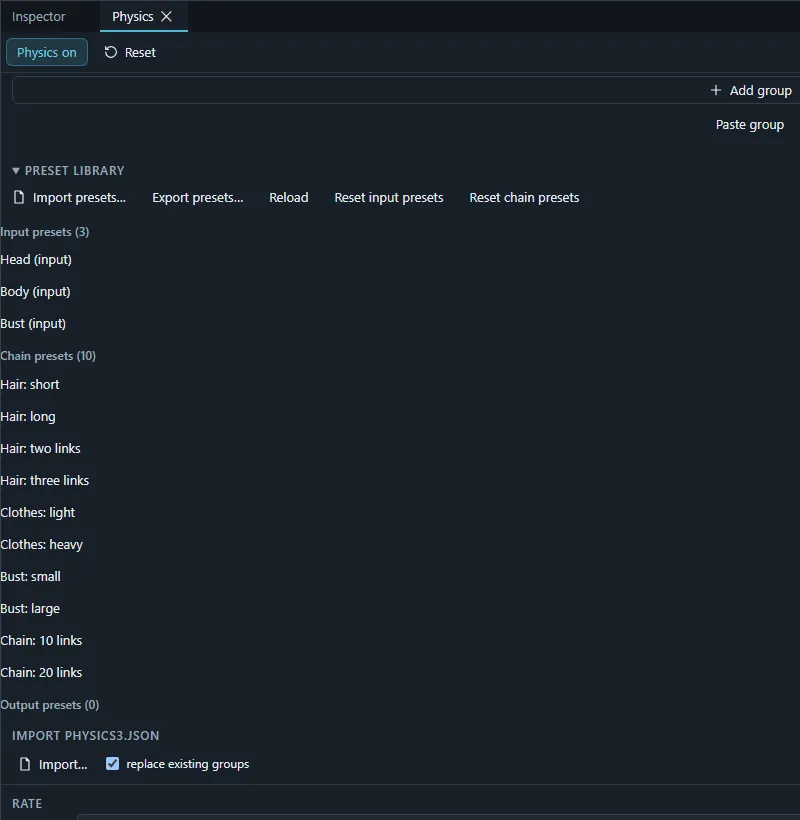
The Preset library holds input presets (Head, Body, Bust) and chain presets (Hair short, Hair long, two- and three-link hair, Clothes light / heavy, Bust small / large, 10- and 20-link chains), plus your own presets saved from groups. Your presets live in this browser. Import presets… and Export presets… read and write Cubism’s preset files; Reset input presets / Reset chain presets restore the built-in set.
Importing and exporting
- Import physics3.json in the Physics panel reads the groups of a runtime model, optionally replacing the existing groups.
- The runtime package contains
physics3.json(see Exporting); Export physics settings (physics3.json) in the command palette downloads it alone. - To keep a physics motion in an animation, bake it into keys: see Bakes.