Everything a 2D rig needs.
From the first imported layer to the model a streamer loads: the tools, the way they fit together, and where to read more in the manual.
Meshes, parts and parameters
Import a layered PSD and re-import it when the art changes. Edit art meshes by hand or generate them, set up clipping masks and draw order, and bind everything to parameters with keyforms.
- Automatic and manual mesh editing
- Clipping masks, draw order, blend shapes
- Parameter pads, smooth interpolation, Auto angle and Sway
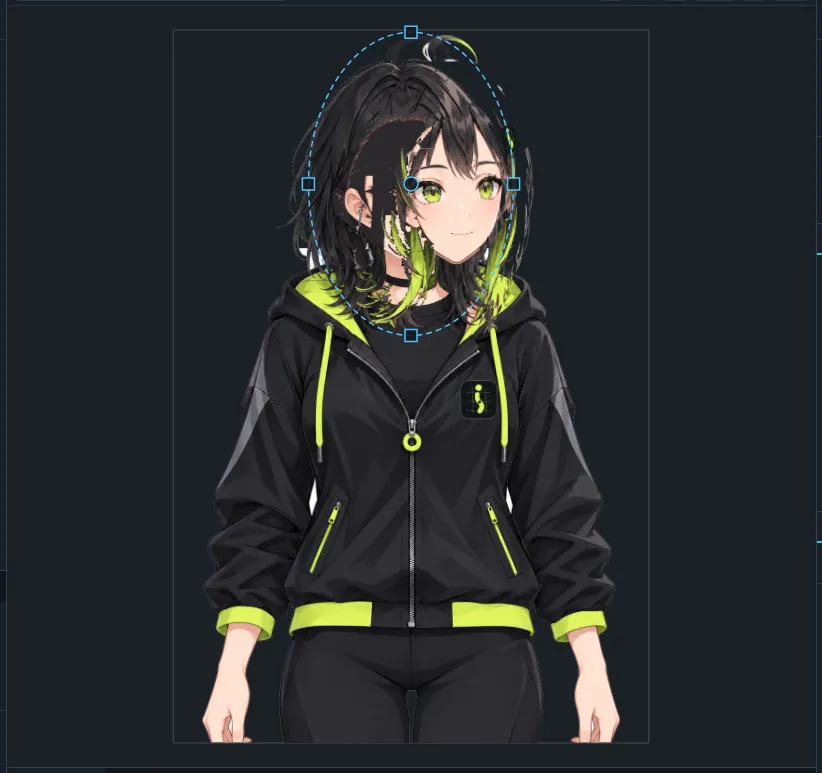
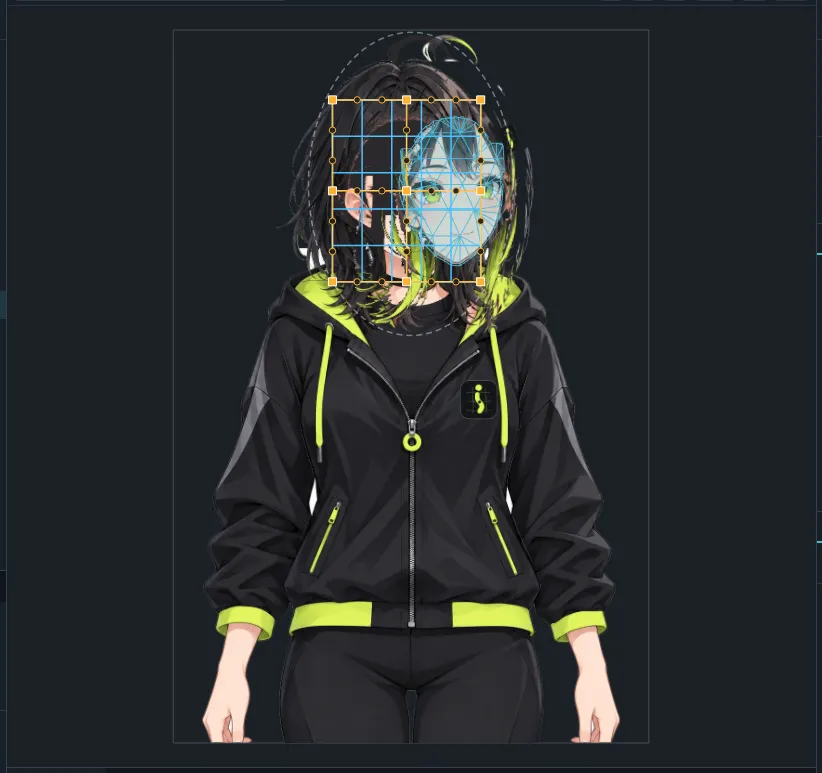
Warp and rotation deformers
Build the deformer hierarchy that makes a face turn and hair sway. Edit warps as Bezier patches, generate deformers automatically, or skin a mesh to rotation deformers.
- Warp and rotation deformers with a clear hierarchy
- Bezier edit levels for smooth warps
- Automatic deformers and skinning
Hair, clothes and accessories that move
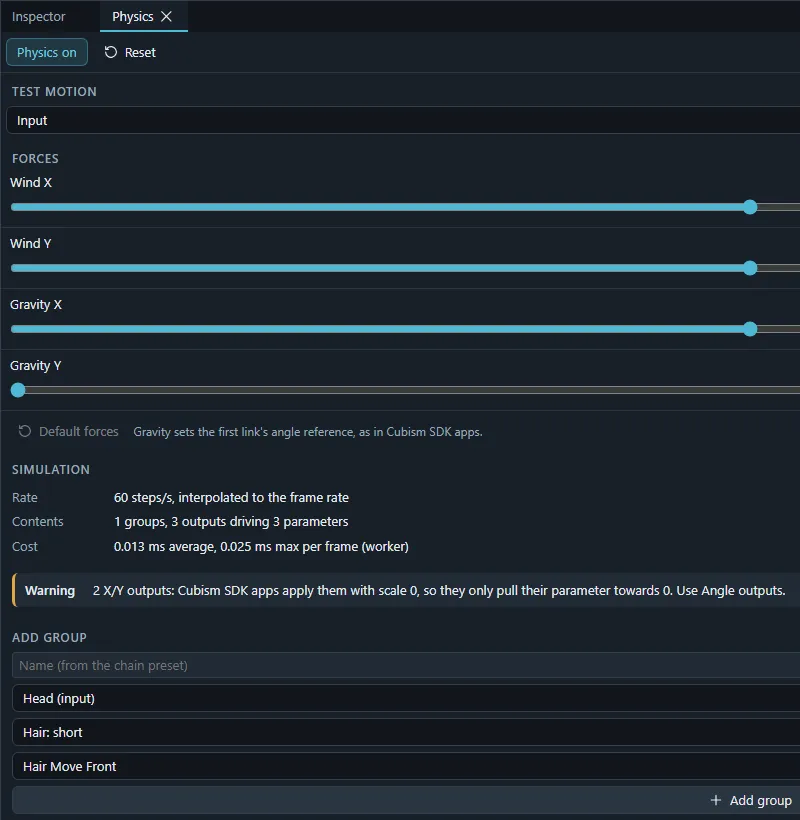
Pendulum groups drive parameters from the model's motion. Start from presets, test while you tune, and import or export physics3.json.
- Pendulum groups with inputs and outputs
- Presets, live testing and output range fitting
- physics3.json import and export
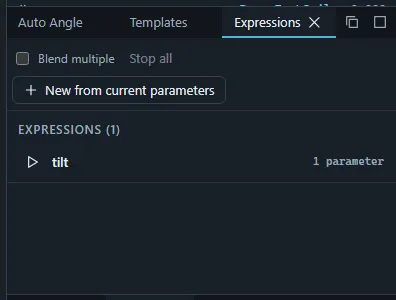
Expressions, pose and hit areas
Everything runtime apps read besides the mesh: expressions, part pose groups, hit areas, user data, and the eye blink and lip sync tags apps use to animate a model on their own.
- Expressions and random pose
- Pose groups and hit areas
- Eye blink and lip sync parameter groups
Scenes, timeline and curves
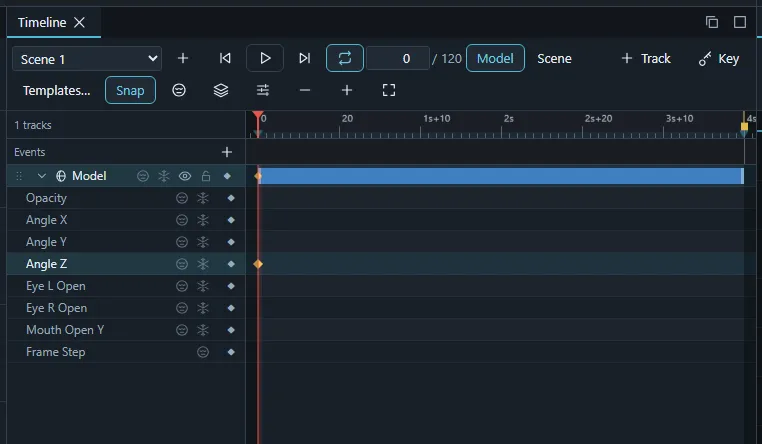
Animate in scenes with tracks, keys and a curve editor. Bake physics and controllers into keys, reuse motions as templates, and export motion3.json.
- Timeline with tracks, keys and curves
- Controllers, bakes and onion skin
- motion3.json export and animation templates
Test it the way it will be used
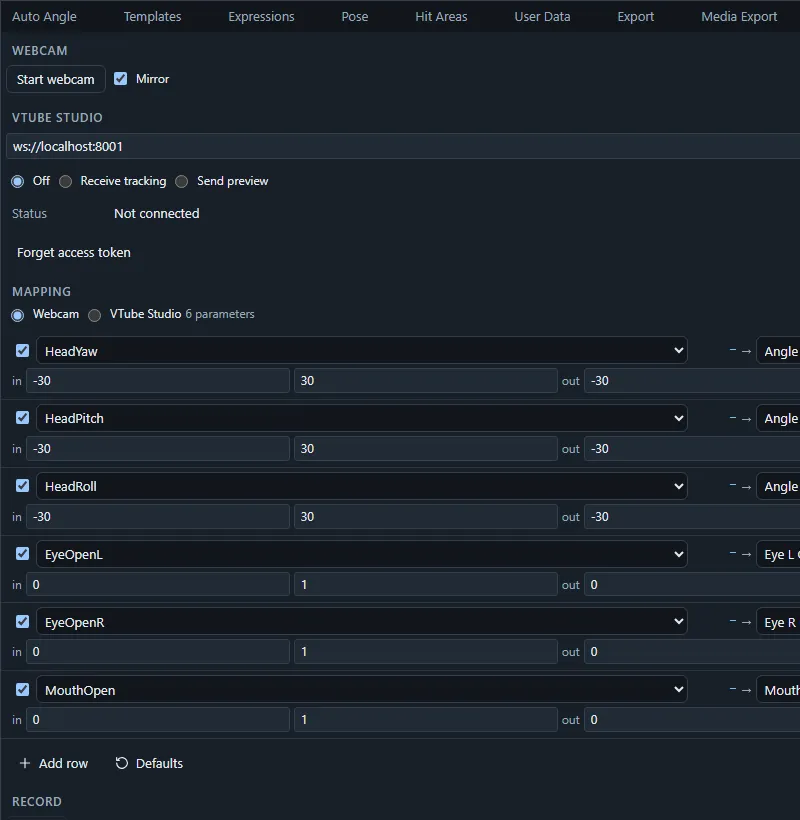
Drive the mouth from a microphone or an audio track and bake it into curves. Track your face with the webcam (the video never leaves your computer), connect to VTube Studio, or stream parameters from your own tools through the Live API.
- Microphone and audio lip sync with vowel mapping
- Webcam face tracking in the browser
- VTube Studio connection and a WebSocket Live API
Work together, review anywhere
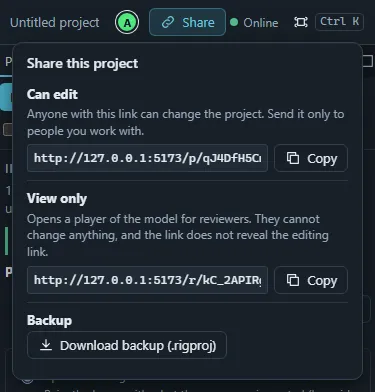
Everyone with the project link edits the same rig live, with names, selections and pointers on screen. Reviewers get a view-only link that plays the model with its motions and expressions and refuses every edit.
- Real-time co-editing with presence
- Per-person undo
- View-only review links with a full player
Models for VTube Studio and Cubism SDK apps
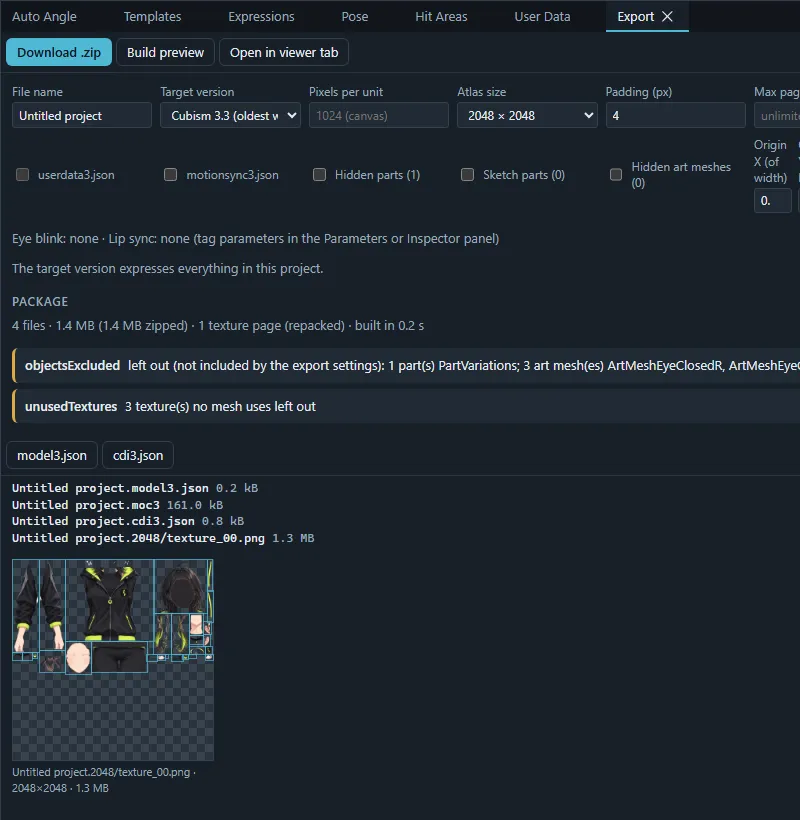
Build the runtime package (moc3, model3.json, textures, physics, pose, expressions, motions) for VTube Studio and other apps built on the Live2D® Cubism SDK, targeting Cubism versions 3.0 to 5.3. Export Cubism project files, video, GIF, image sequences and layered PSDs too.
- Runtime package with texture atlases and sidecar files
- Cubism model (.cmo3) and animation (.can3) projects
- MP4, WebM, MOV, GIF, PNG and JPEG sequences, layered PSD
Protect your work
Save projects as signed, optionally encrypted .iki files, and ship models as protected .ikm packages licensed to each buyer, with an invisible watermark that traces leaks.
- Signed, tamper-evident .iki project files
- Optional encryption
- Per-buyer .ikm licenses with an invisible watermark