Expressions, pose, hit areas and user data
These are the extras runtime apps read next to the model itself. All of them are part of the shared document and are exported in the runtime package.
Expressions
An expression is a set of parameter offsets that an app layers on top of the current motion, a smile, angry eyes, a blush. The Expressions panel:
- previews expressions: clicking one cross-fades to it like the runtimes do; Blend multiple layers several on top of each other; Stop all clears them;
- New from current parameters creates an expression from every parameter’s offset from its default, pose the face with the sliders first;
- Capture current replaces an expression’s values with the current offsets;
- edits the name, fade-in and fade-out times, and per parameter the value and how it combines (added, multiplied or overwriting); adds and removes parameters; reorders and deletes expressions.
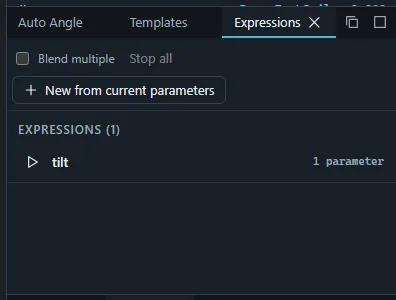
Expressions are written as .exp3.json files. Existing ones are imported with Import ›
Expression / pose….
Pose
A pose makes parts exclusive: of the parts in one pose group only one shows at a time, for example arms down and arms raised. Apps switch them by the parts’ opacity parameters, with a fade.
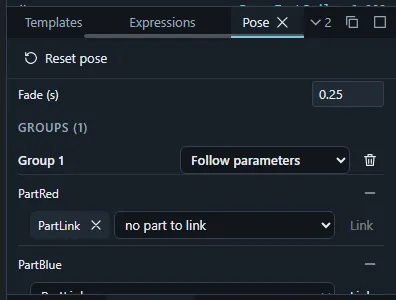
In the Pose panel, Add group with the part shown first, add its alternatives, and link parts that should show and hide together with a group entry. Set the fade time. The preview picker shows a group’s part; Reset pose lets every group follow its parameters again.
Hit areas
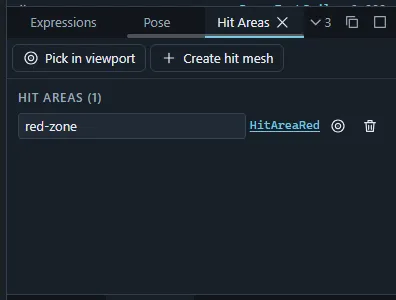
Hit areas are named art meshes that apps test taps and clicks against (“Head”, “Body”). In the Hit Areas panel:
- Pick in viewport, then click an art mesh to make it a hit area;
- Create hit mesh adds a new transparent rectangle mesh in the selected part with a hit area on it (shape it with the Points tool);
- rename, select the mesh, pick another mesh, or delete a hit area.
The runtime preview can outline the hit areas and logs taps on them.
User data
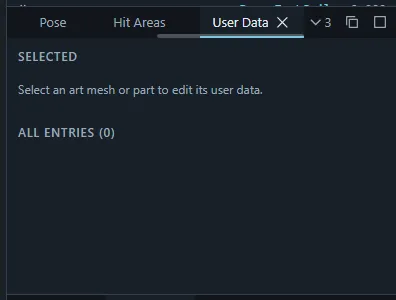
User data is free text attached to art meshes and parts that apps can read (userdata3.json).
Select a mesh or part and type its text in the User Data panel.
Eye blink and lip sync parameters
Apps blink and lip-sync a model automatically through the parameters in its EyeBlink and
LipSync groups. Tag parameters with the Eye blink and Lip sync toggles in a parameter’s
editor (Parameters panel or Inspector); the tags are exported as those model3.json groups.
Repeating parameters cannot carry these tags.
Random pose
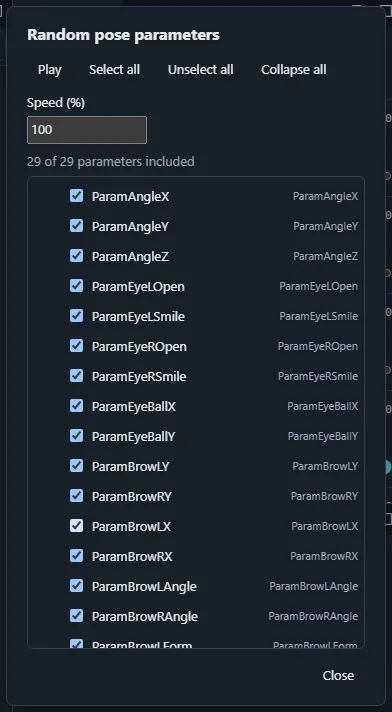
Random pose parameters… chooses which parameters take part in random pose playback (by group, with Select all / Unselect all), and the speed. Play random pose moves the model through random poses while physics keeps running, a quick way to find broken keyforms. The settings are kept per project in this browser.