Live input
The Live panel drives the open model from live sources, for testing a rig the way a streamer will use it:
- Webcam: face tracking in the browser (MediaPipe Face Landmarker; the video never leaves your computer). Pick the camera, mirror the image, and Calibrate neutral pose while looking straight at the camera with a relaxed face.
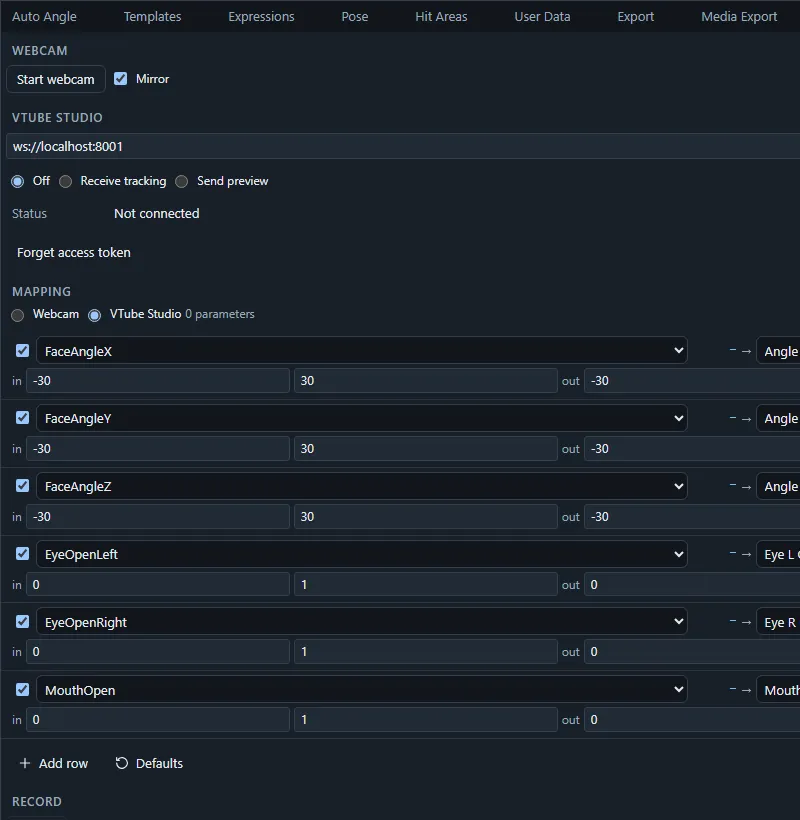
- VTube Studio: connect to VTube Studio on your computer to receive its face tracking, or to send the editor’s parameter values to the model loaded there.
- Live API: connect the editor to a WebSocket server of your own that streams parameter values (and receives the editor’s).
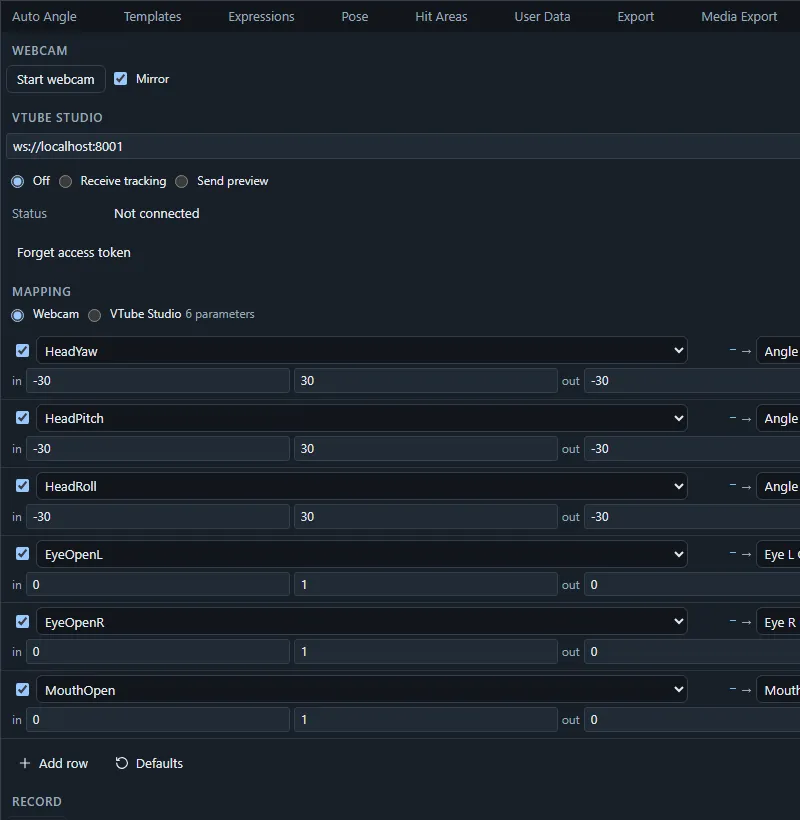
Each source has a mapping table: input → model parameter with input and output ranges, smoothing and inversion. Defaults maps the standard parameters (Angle X/Y/Z, body angles, eye openness, eyeballs, brows, mouth open and form) that the model has.
Live input moves the preview only: it never changes the document, adds no undo entries and is not seen by collaborators. Stopping a source restores the parameters it drove. Mappings and calibration are saved in this browser per project.
To keep a performance, Record it into a model track of the current scene; the recording becomes ordinary keys you can edit.
Command palette: Start webcam tracking / Stop webcam tracking, Calibrate neutral pose.
The full reference, every webcam input, the VTube Studio connection and browser rules for connecting to local apps, and the Live API protocol, is in Live input and the Live API.